AI Weight Tuning Advisor: Why Generic Risk Scoring Fails—and How to Fix It in 30 Seconds
Contents
1. The Problem: One-Size-Fits-All Risk Scoring
Every risk scoring engine ships with default weights. And every default weight is wrong for your organization.
Consider the gap between a healthcare system and a fintech startup. The healthcare system’s biggest threat? Ransomware that could shut down patient care—at an average breach cost of $9.77 million (IBM, 2024). The fintech startup? Regulatory pressure from SEC filings and PCI-DSS deadlines, where a compliance violation costs more than an outage.
Yet both organizations typically get the same default risk weights: Ransomware Exposure at 20, Compliance Deadline at 15, Certificate Expiry at 12. These defaults produce misleading scores—a 45 for the healthcare system that should be a 72, or a 60 for the fintech that should be a 38.
The cost of miscalibration: A Ponemon Institute study found that organizations with miscalibrated risk scoring spent 23% more time on false-positive triage and missed 31% more true-positive critical risks compared to organizations with industry-tuned models.
ComplianceHarbor’s AI Weight Tuning Advisor solves this. It analyzes your organization’s profile—industry, geography, tech stack, compliance frameworks, risk priorities, and operator persona—then delivers personalized weight recommendations with domain expertise and detailed rationale. No guesswork. No spreadsheets. No consulting engagement.
2. The Solution: Context-Aware Weight Recommendations
The Weight Tuning Advisor is a rule-based recommendation engine built on deep domain expertise across 8 industry verticals. It doesn’t rely on opaque machine learning models or external LLMs—every recommendation comes with a clear rationale, source citation, and quantified impact estimate.
The advisor considers six dimensions of your organization:
- Industry — resolves to one of 8 pre-built profiles using fuzzy keyword matching
- Tech Stack — detects cloud providers, container platforms, databases, and development tools
- Compliance Frameworks — maps to HIPAA, PCI-DSS, SOX, SOC 2, GDPR, NIS2, DORA, FedRAMP, and more
- Geography — adjusts for regional threat landscapes (APAC seismic risk, EU regulatory pressure, etc.)
- Risk Priorities — scans free-text priorities for keywords like “ransomware,” “uptime,” or “supply chain”
- Persona — applies role-specific emphasis for CISOs, CROs, CIOs, or Compliance Directors
3. How It Works: Step by Step
Step 1: Describe Your Organization
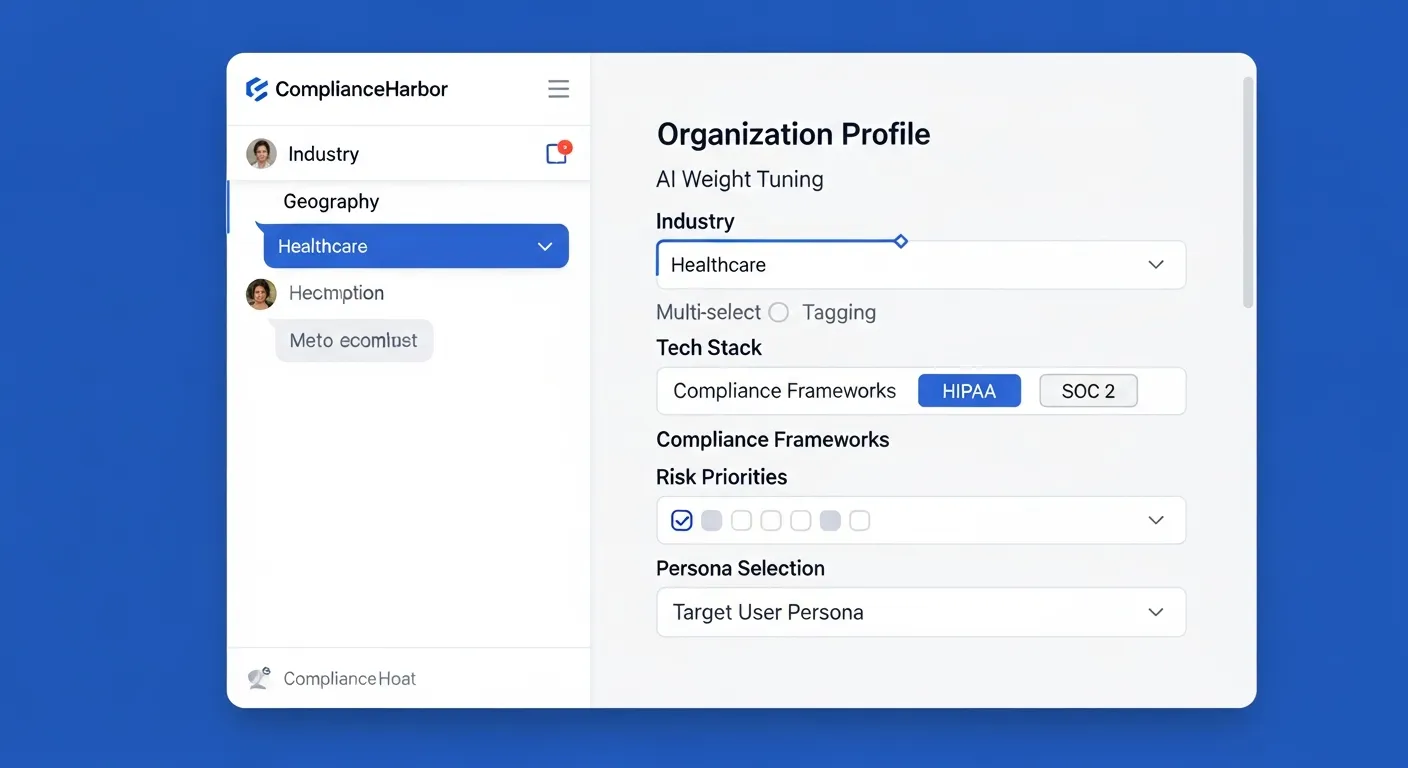
Provide your organization profile through the MCP tool or REST API. The advisor accepts structured fields for industry, tech stack, and compliance frameworks, plus a free-text field for risk priorities.
Step 2: Automatic Industry Resolution
The advisor uses fuzzy keyword matching to resolve your industry input to one of 8 specialized profiles. Enter “healthcare,” “hospital,” “pharma,” “medical devices,” or “health tech”—they all resolve to the Healthcare profile. Each profile is built on sector-specific threat intelligence:
- Average breach cost data from IBM’s Cost of a Data Breach Report 2024
- Top threat vectors ranked by industry frequency
- Regulatory landscape assessment with enforcement penalty data
- Common compliance frameworks by sector
Step 3: Multi-Layer Rule Analysis
The advisor applies adjustments in layers. Industry weights come first, then tech stack rules, compliance framework rules, geographic rules, risk priority keyword matching, and finally persona-specific multipliers. When multiple rules affect the same conflict type, the advisor takes the maximum recommended weight—ensuring the highest identified risk sensitivity is always preserved.
Step 4: Recommendations with Rationale
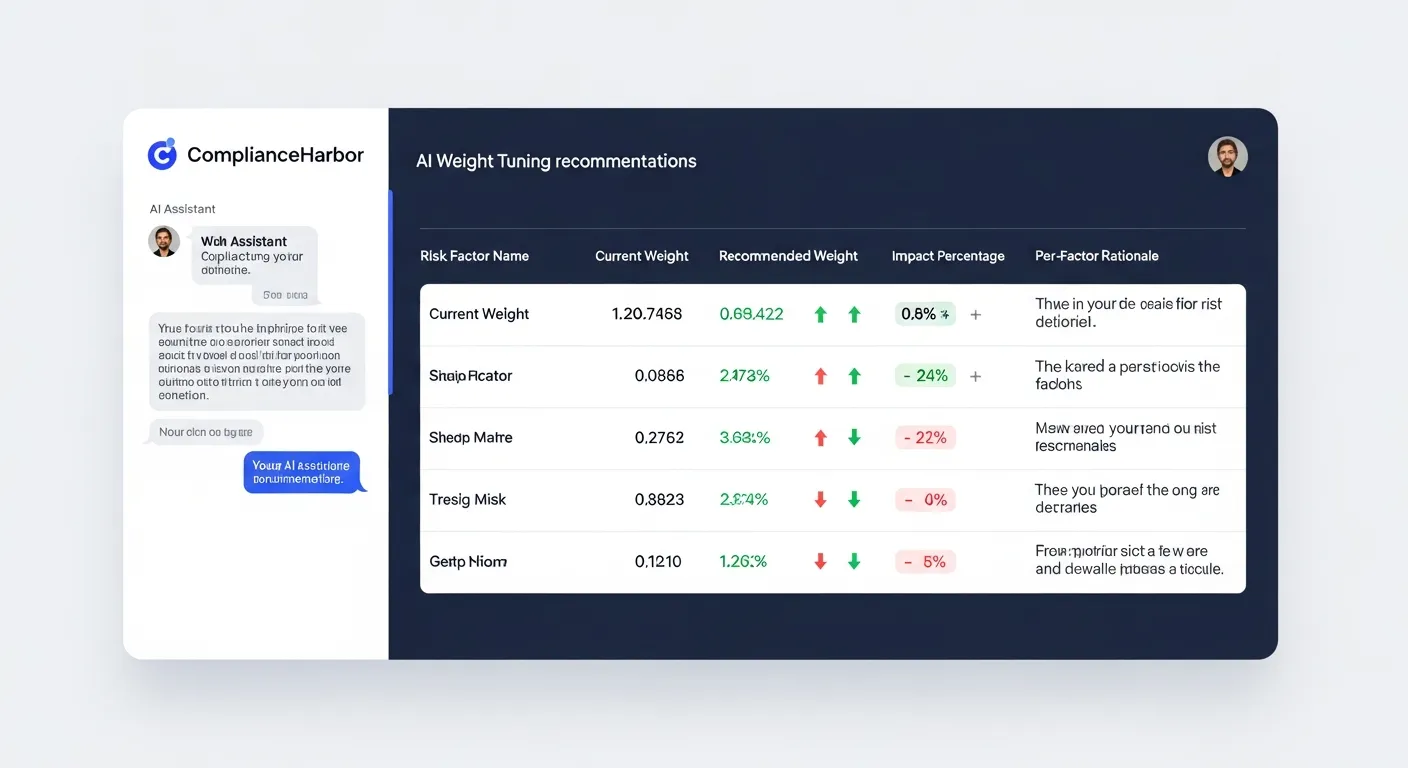
Every recommendation includes the current weight, recommended weight, change direction, detailed rationale, and a quantified impact estimate describing exactly how the change affects risk sensitivity.
4. Real Example: Healthcare CISO Scenario
Let’s walk through what the advisor recommends for a Healthcare CISO running HIPAA-regulated workloads on AWS and Oracle, operating in North America.
Healthcare — Average breach cost: $9.77M (14th consecutive year as highest-cost industry). Top threat vectors: Ransomware, stolen credentials, phishing, business email compromise, insider threats.
HIPAA Privacy/Security Rules, HITECH Act, FDA cybersecurity guidance. OCR enforcement actions averaged $1.5M per settlement in 2023.
Key Recommendations
| Risk Factor | Default | Recommended | Change | Rationale |
|---|---|---|---|---|
| Ransomware Exposure | 20 | 30 | +50% | Healthcare is the #1 ransomware target sector. Patient safety depends on system availability. $9.77M average breach cost. |
| Compliance Deadline | 15 | 22 | +47% | HIPAA compliance deadlines carry OCR enforcement penalties averaging $1.5M per settlement. |
| Dark Web Intel | 15 | 22 | +47% | PHI commands premium prices on dark web markets. Healthcare credentials are 3x more valuable than financial credentials. |
| CSP Outage Overlap | 15 | 22 | +47% | AWS workloads create single cloud provider dependency. Outage during change window amplifies patient safety risk. |
| Oracle CPU Window | 10 | 16 | +60% | Oracle database in tech stack. Quarterly Critical Patch Updates create predictable vulnerability windows. |
| Market Holiday | 5 | 3 | -40% | Market holidays primarily affect financial services. Healthcare operations run 24/7 regardless of market schedules. |
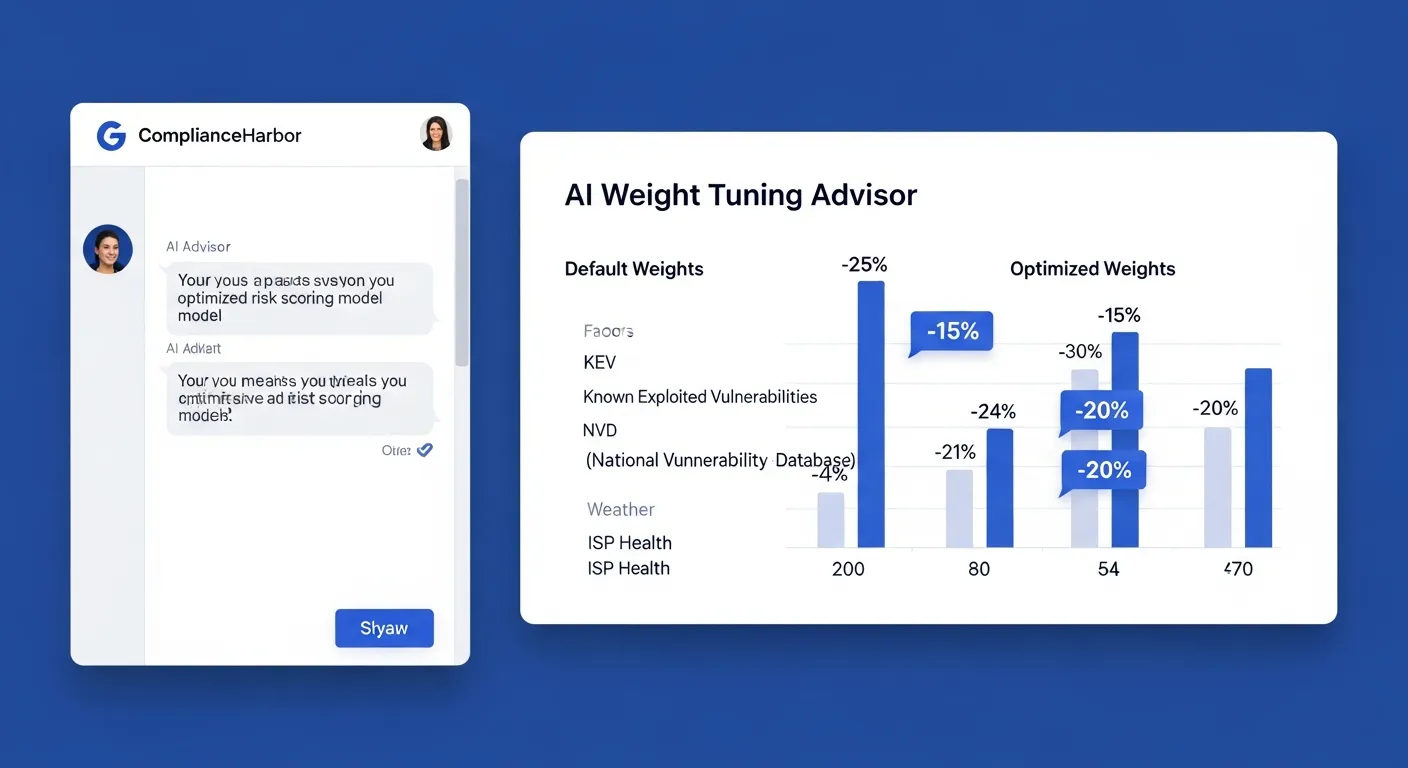
Notice the pattern: the advisor increases weights for the risks that matter most to healthcare (ransomware, compliance deadlines, dark web exposure) while decreasing weights for risks that are less relevant (market holidays, SEC earnings blackouts). Every adjustment comes with a specific rationale grounded in industry threat data.
5. Industry Coverage
The advisor ships with 8 specialized industry profiles, each built on sector-specific breach cost data, threat intelligence, and regulatory requirements. A General fallback profile handles any industry not explicitly matched.
Each profile includes industry-specific weight adjustments for relevant conflict types, recommended caps to prevent over-indexing, and contextual rationale grounded in published breach cost data and regulatory enforcement histories.
6. Split-Score Intelligence
ComplianceHarbor’s scoring engine doesn’t just calculate a single number. It separates risk into two categories:
Timing-Reducible Risk
13 conflict types that can be mitigated by rescheduling the change window.
- • Patch Tuesday Overlap
- • Compliance Deadline
- • Market Holiday
- • Oracle CPU Window
- • Severe Weather Alert
- • CSP Outage Overlap
Persistent Baseline Risk
14 conflict types tied to infrastructure state that persist regardless of scheduling.
- • Ransomware Exposure
- • CISA KEV Match
- • Supply Chain Risk
- • Dark Web Intel
- • Certificate Expiry
- • Attack Surface Mapping
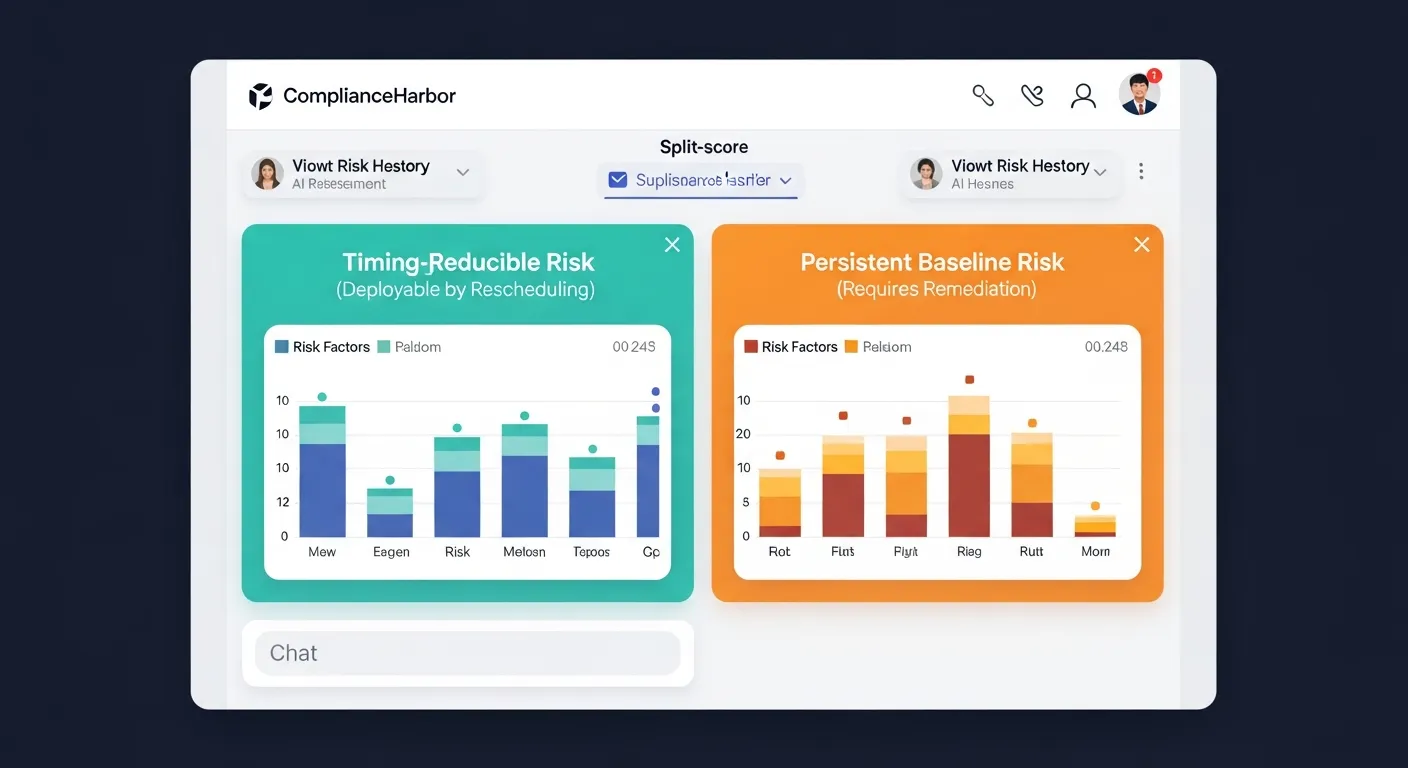
The Weight Tuning Advisor tags every recommendation with its split-score classification. This tells you not just what to tune, but how to act on it—timing-reducible risks can be mitigated by scheduling changes at lower-risk windows, while persistent baseline risks require infrastructure remediation.
7. Enterprise Integration
The Weight Tuning Advisor is available through two channels:
MCP Tool
Invoke tune_score_weights through any MCP-compatible client (Claude, Cursor, Windsurf, etc.). The tool accepts your organization profile and returns structured recommendations that can be programmatically applied.
{
  "industry": "healthcare",
  "geography": "North America",
  "tech_stack": ["AWS", "Oracle"],
  "compliance_frameworks": ["HIPAA", "SOC 2"],
  "persona": "ciso"
}
REST API
Call the advisor through the REST API and apply the returned weight configuration directly to your score config. Automate weight tuning as part of your onboarding flow or quarterly review cycle.
PUT /api/score-config
{
  "weights": {
    "RANSOMWARE_EXPOSURE": 30,
    "COMPLIANCE_DEADLINE": 22,
    "DARK_WEB_INTEL": 22
  }
}
Recommendations are advisory—you review them, adjust as needed, and apply through the Score Configuration panel in the customer portal. The advisor never modifies your scoring configuration without explicit approval.
8. Get Started
The Weight Tuning Advisor is available on all plans, including the 14-day free trial. Run your first analysis in under 30 seconds.
Stop guessing. Start tuning.
Your risk scoring engine is only as accurate as its weights. The AI Weight Tuning Advisor ensures your scores reflect your actual threat landscape—not someone else’s.